Why n8n + OpenAI?
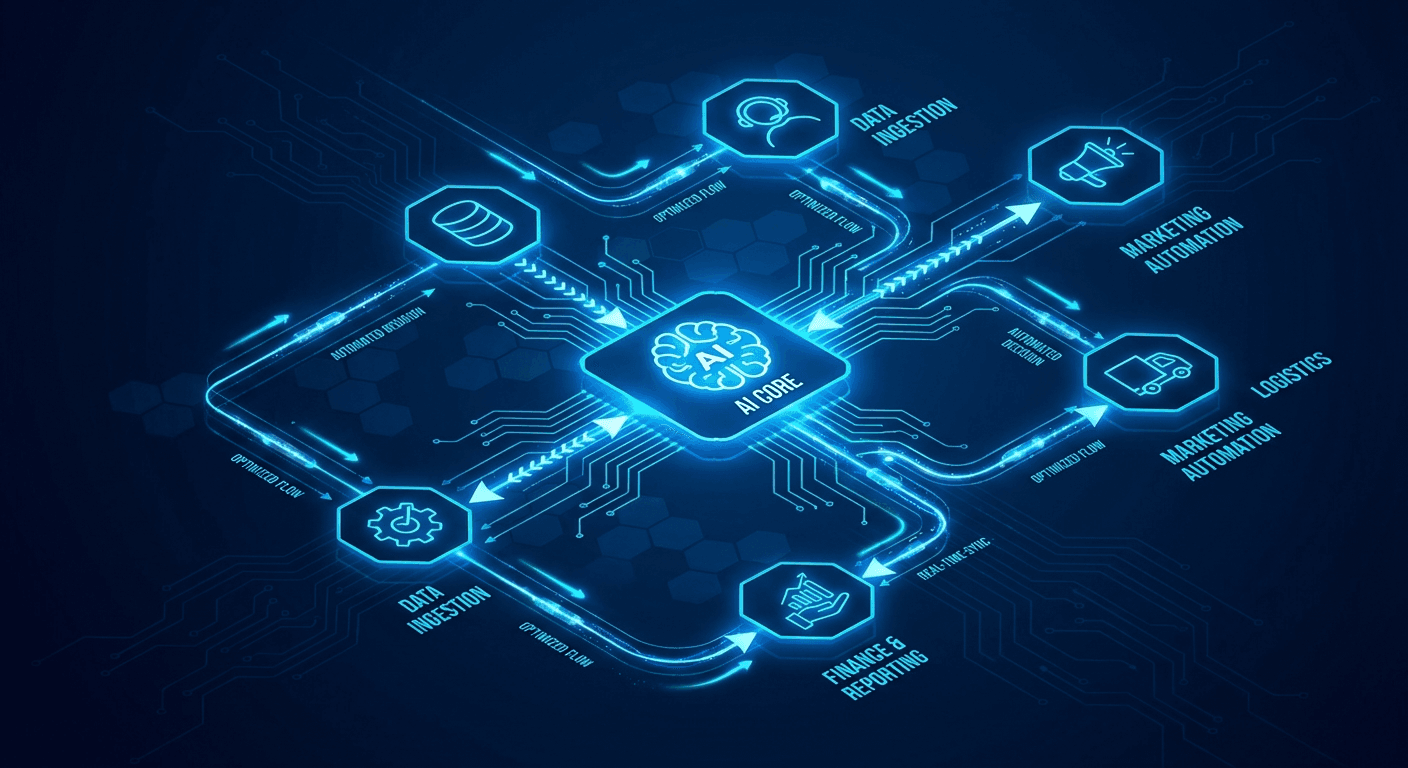
n8n gives you the orchestration layer; OpenAI gives you the intelligence layer. Together they let you build AI agents that run on autopilot.
Prerequisites
- n8n instance (cloud or self-hosted)
- OpenAI API key (
gpt-4o model recommended)
- Basic familiarity with JSON
Workflow 1 — Blog Draft Generator
Trigger (Schedule, weekly)
  → HTTP Request (fetch trending topics from RSS)
  → OpenAI Node (generate 500-word draft)
  → Google Docs Node (create new doc)
  → Slack Node (notify #content channel)
Key settings for the OpenAI node:
{
  "model": "gpt-4o",
  "temperature": 0.7,
  "max_tokens": 1200,
  "system": "You are a senior content writer for a SaaS blog."
}
Workflow 2 — Support Ticket Classifier
- Webhook receives new ticket JSON from Zendesk.
- OpenAI classifies intent:
billing, bug, feature_request, other.
- Switch node routes to the correct Slack channel.
- IF priority is
urgent, also page on-call via PagerDuty.
Workflow 3 — Lead Enrichment
- Trigger: new row in Google Sheets
- OpenAI: extract company domain, industry, and size from a raw text field
- HTTP Request: call Clearbit API for enrichment
- Update the same Google Sheets row with structured data
Tips for Production
- Cache responses to avoid redundant API calls.
- Set retry logic on the OpenAI node (3 retries, exponential back-off).
- Use sub-workflows to keep each AI step modular.
Explore more automation patterns in our webhook automation patterns guide.