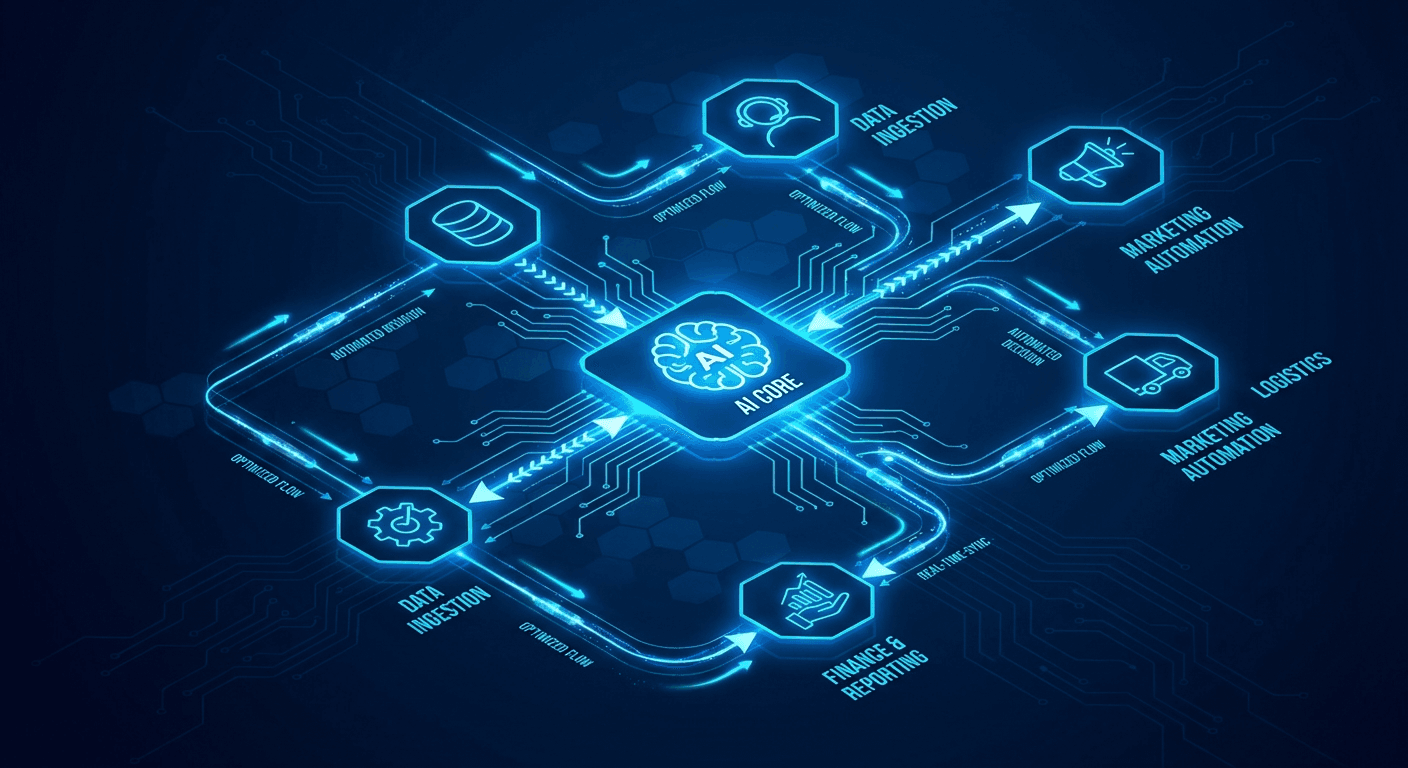
Why Automation Is the #1 Priority in 2026
According to McKinsey, over 60% of current work activities can be partially automated with existing technology. Yet most businesses are still running manual processes, spending dozens of hours per week on tasks that machines can do better, faster, and with fewer errors.
Automation isn't just about "adding tools." It's about changing how your company operates — from reactive to proactive, from human-dependent to AI-assisted.
This guide walks you through every step: understanding workflow structure, choosing the right tools, and integrating AI to build truly intelligent processes.
The Anatomy of an Automation Workflow
Every workflow shares the same fundamental structure:
Trigger → Condition → Action → Output
Triggers are the events that start a workflow:
- A new form submission on your website
- An inbound email matching specific criteria
- A scheduled time (e.g., every Friday at 5pm)
- A data threshold being crossed
Conditions (Filters/Routers) determine the flow:
- If customer is enterprise → assign to senior account manager
- If deal value > $10,000 → require additional approval
Actions are what gets done:
- Send an automated email
- Create a ticket in your CRM
- Update a Google Sheet
- Call an external API
Outputs can feed into the next workflow, creating complex automation chains.
Three Core Workflow Design Patterns
1. Linear Pipeline
Best for sequential, step-by-step processes:
New lead → Validate email → Add to CRM → Send welcome email → Notify sales
Real-world example: When a user signs up for a trial, the system automatically creates their account, sends a personalized onboarding email, and schedules a follow-up in 3 days — all without human intervention. See: Automate Customer Onboarding.
2. Branching Logic
Handles multiple cases within a single workflow:
Support request arrives
  ├── Enterprise customer → High priority, assign senior agent
  ├── Technical issue → Route to dev team
  └── General question → AI handles automatically
This is the most common pattern in lead processing and customer support workflows. When combined with AI, the classification step understands meaning rather than just matching keywords.
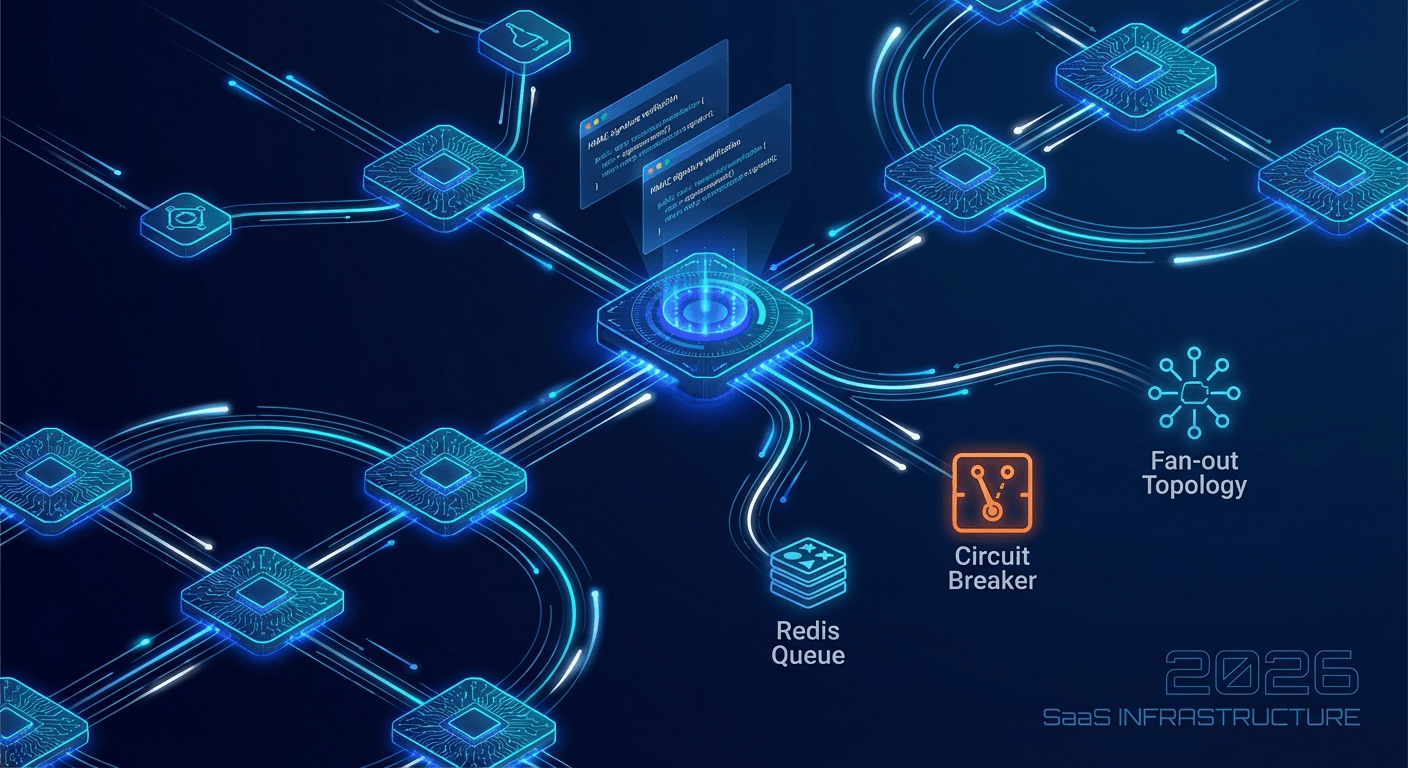
3. Fan-out / Fan-in (Parallel Processing)
Splits a large task into parallel sub-tasks, then merges the results:
Weekly report due
  ├── Fetch revenue data (Postgres)
  ├── Fetch traffic metrics (Analytics)
  └── Fetch customer feedback (CRM)
       ↓ (Merge)
  Generate summary report → Email to leadership
This pattern is especially powerful for data pipelines. Read more: Build a Data Pipeline with n8n + Postgres + AI.
Making Workflows Intelligent with AI
Traditional workflows operate on rigid rules: "If A then B." But real business situations are far more nuanced. AI solves this by adding reasoning and judgment to your automations:
Smart Classification
Instead of defining hundreds of keyword rules, AI understands the intent behind requests:
- Angry customer email → escalate immediately
- Payment failure ticket → route to billing team
- Feature question → hand off to sales
AI pulls structured data from unstructured sources:
- From supplier emails → extract delivery dates, quantities, prices
- From PDF invoices → auto-populate your accounting system
- From free-form contact forms → fill CRM fields correctly
Content Generation
- Summarize a 2-hour meeting into 5 key points
- Draft follow-up emails in your brand's tone
- Translate reports automatically
Reasoned Decision-Making
Combined with a Human-in-the-Loop mechanism, AI can propose and explain decisions rather than just execute. Humans approve when needed, the system runs automatically when safe.
| Criteria | n8n | Zapier | Make |
|---|
| Cost | Free (self-hosted) | From $19.99/mo | From $9/mo |
| Hosting | Self-host or cloud | Cloud only | Cloud only |
| AI integration | Native AI nodes | Available, limited | Via HTTP module |
| Complexity | Medium – High | Low | Medium |
| Best for | Startups, dev teams | Non-technical users | SMBs, marketers |
| Integrations | 400+ | 6,000+ | 1,500+ |
Autonow's recommendations:
- Getting started, no code: Use Zapier or Make
- Startup watching costs: Self-host n8n
- Deep AI in workflows: n8n with OpenAI integration
Full comparison: n8n vs Zapier vs Make: Which Tool in 2026?
3 Real-World Workflows to Start With
Workflow 1: Automated Lead Scoring
Problem: Sales team spends 2–3 hours/day manually qualifying leads.
Solution with n8n + AI:
- Website form → Webhook trigger
- AI analyzes lead info (company, role, stated needs)
- Scores lead from 0–100
- Score > 70 → Instant Slack notification to sales
- Score < 30 → Enroll in email nurturing sequence
Result: 80% reduction in qualification time, 35% improvement in conversion rate. Details: Automated Lead Scoring with n8n + AI.
Workflow 2: Automated Weekly Report
Trigger: Every Friday at 5:00 PM
- Pull revenue data from Postgres
- Pull traffic metrics from Google Analytics
- AI summarizes highlights and flags anomalies
- Generate PDF report
- Email to leadership team
No one has to manually compile data over the weekend.
Workflow 3: Automated Customer Support Triage
Trigger: New ticket in helpdesk
- AI classifies: technical / billing / feature request
- Sentiment analysis determines urgency
- Instantly answers common questions
- Escalates complex tickets to human agents with full context
See: Building an AI Customer Support Agent That Actually Works.
5 Rules for Building Automation Workflows
- Start with the manual process: Understand who does what, how long it takes, and where errors occur — before you automate anything
- Calculate ROI first: A workflow is worth building when frequency ≥ 5x/week and each instance takes ≥ 15 minutes
- Build incrementally: Automate the simplest step first, test thoroughly, then add the next
- Always build fallbacks: API timeout → retry in 5 min; AI error → escalate to human; missing data → notify and halt
- Add AI last, not first: Get the base workflow working reliably first, then identify which steps need reasoning vs. execution
Next Steps
If you're not sure where to start, read n8n for Startups: Automate Your Business in a Weekend — a hands-on guide from installation to your first production workflow.
Autonow can help you audit your current processes, design the right automation strategy, and build everything from simple n8n workflows to complex custom AI integrations. Get in touch to get started.